
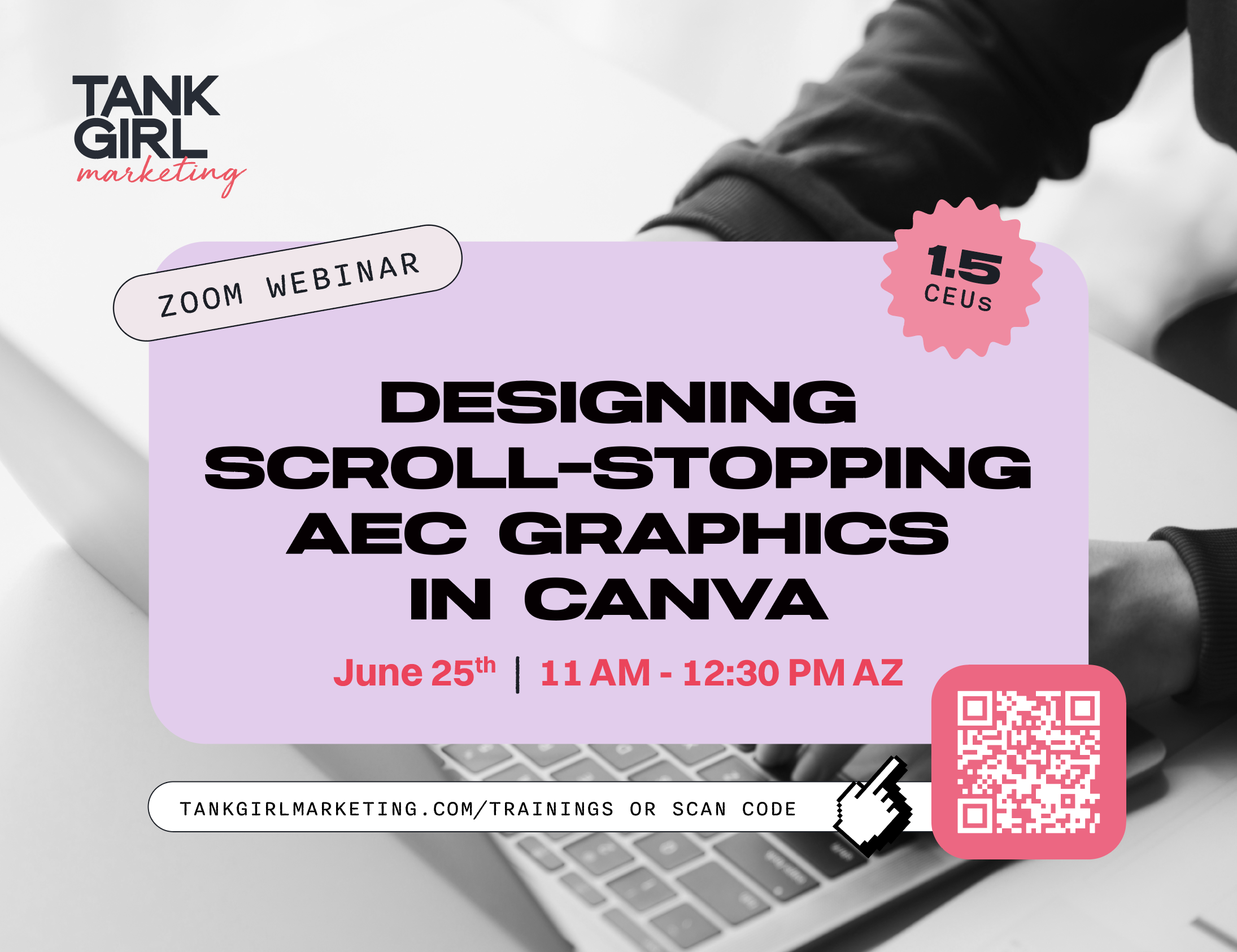
Designing Scroll-Stopping AEC Graphics in Canva
Most AEC graphics play it safe. The industry is often behind on social media trends, visual storytelling, and the kind of content that actually makes people stop scrolling. In this session, we’ll show you how to use Canva to create modern, attention-grabbing graphics that feel fresh, engaging, and built for today’s platforms. From animated graphics and GIFs to trend-inspired layouts and motion effects, you’ll learn how to create content that helps AEC brands stand out online without losing professionalism.
What you’ll learn:
- Create scroll stopping social media graphics for AEC brands
- Use animation and motion effects to make content more engaging
- Design GIFs and dynamic visuals directly in Canva
- Incorporate current social media trends into professional marketing
- Build modern, branded graphics that stand out on LinkedIn and beyond
- Use practical Canva tools and shortcuts to design content faster